¶ System Disk Replacement
The system disk is a crucial part of any computer or server, storing the operating system and essential data. Disk failure can occur due to hardware wear, power issues, or unexpected errors, and can lead to system instability or downtime. Replacing a damaged system disk promptly helps maintain system reliability, performance, and data integrity.
This guide covers the System Installation Wizard and does not include steps for physically replacing a system disk. Before replacing a disk, make sure all important data is backed up and the new disk is ready to install.
¶ Procedure for System Disk Replacement
When the system disk is damaged, follow these steps to replace and restore the system:
-
Physically remove the damaged disk and install a new, compatible disk in its place. Ensure the disk is securely connected before proceeding.
-
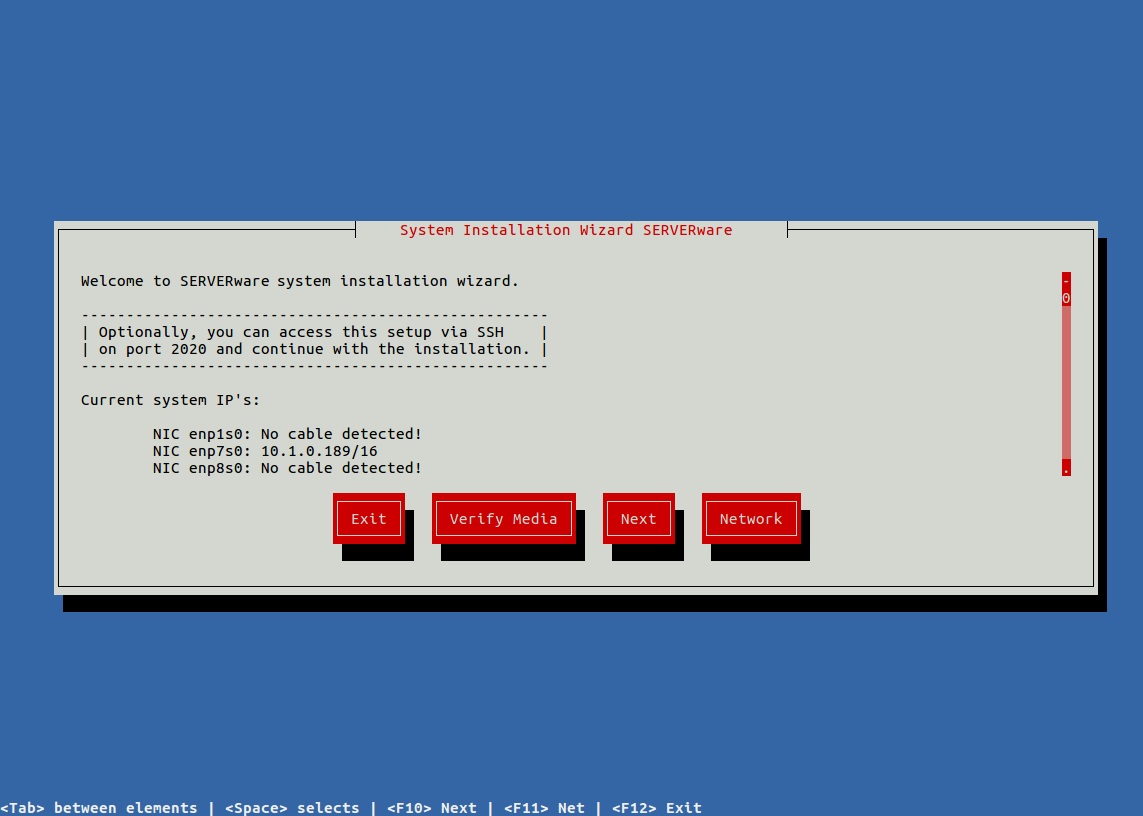
Restart the system and boot from the SERVERware installation media to begin the restoration process.
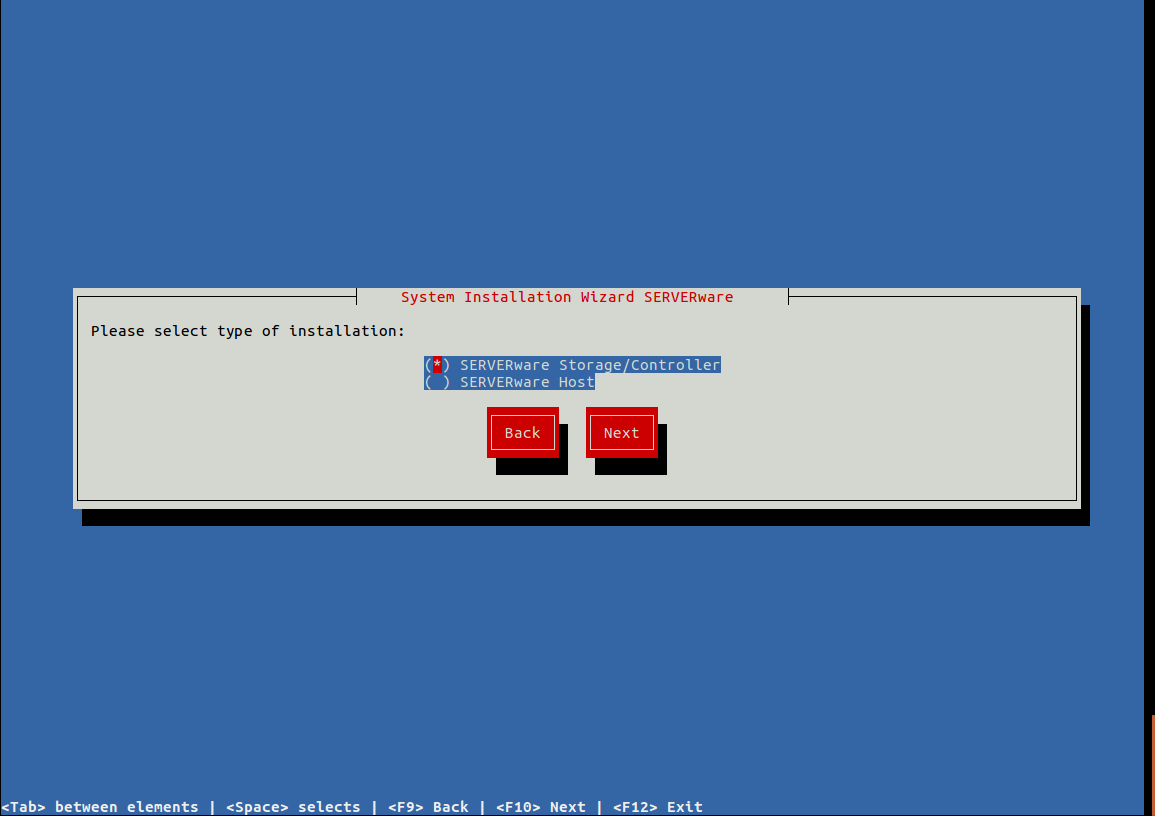
- Select the same type of installation that was previously configured on the processing host or storage controller.
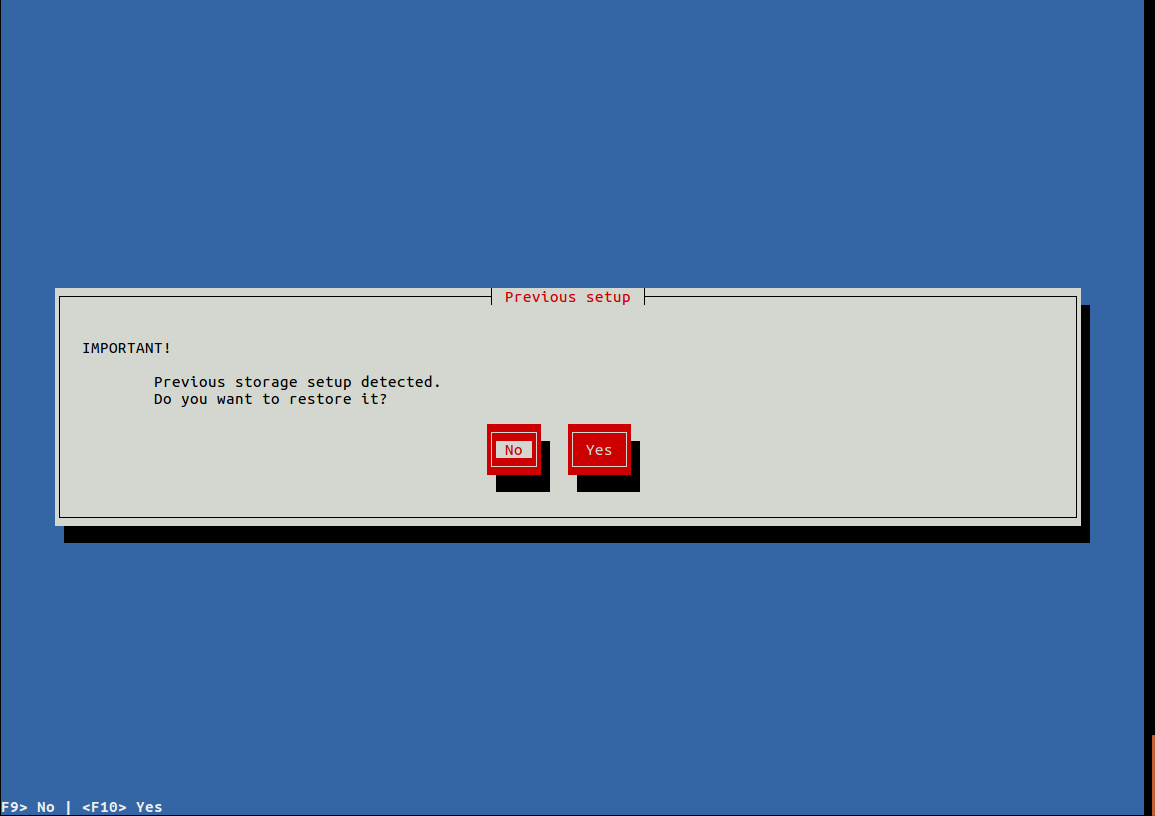
- If the previous storage setup is detected, select “Yes” to continue restoring the system; if it is not detected, cancel the installation and contact support for guidance.
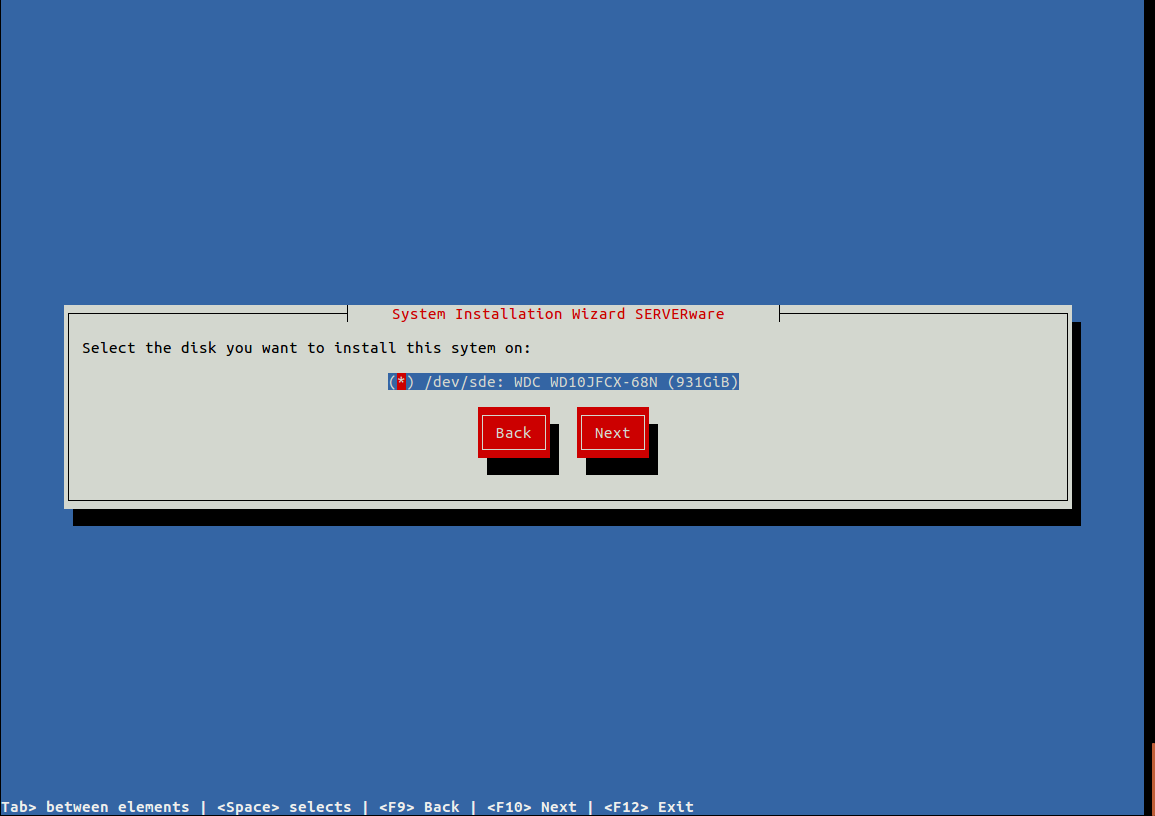
- Choose the new disk as the destination for the system restoration.
- Review the system configuration and press Next to confirm.
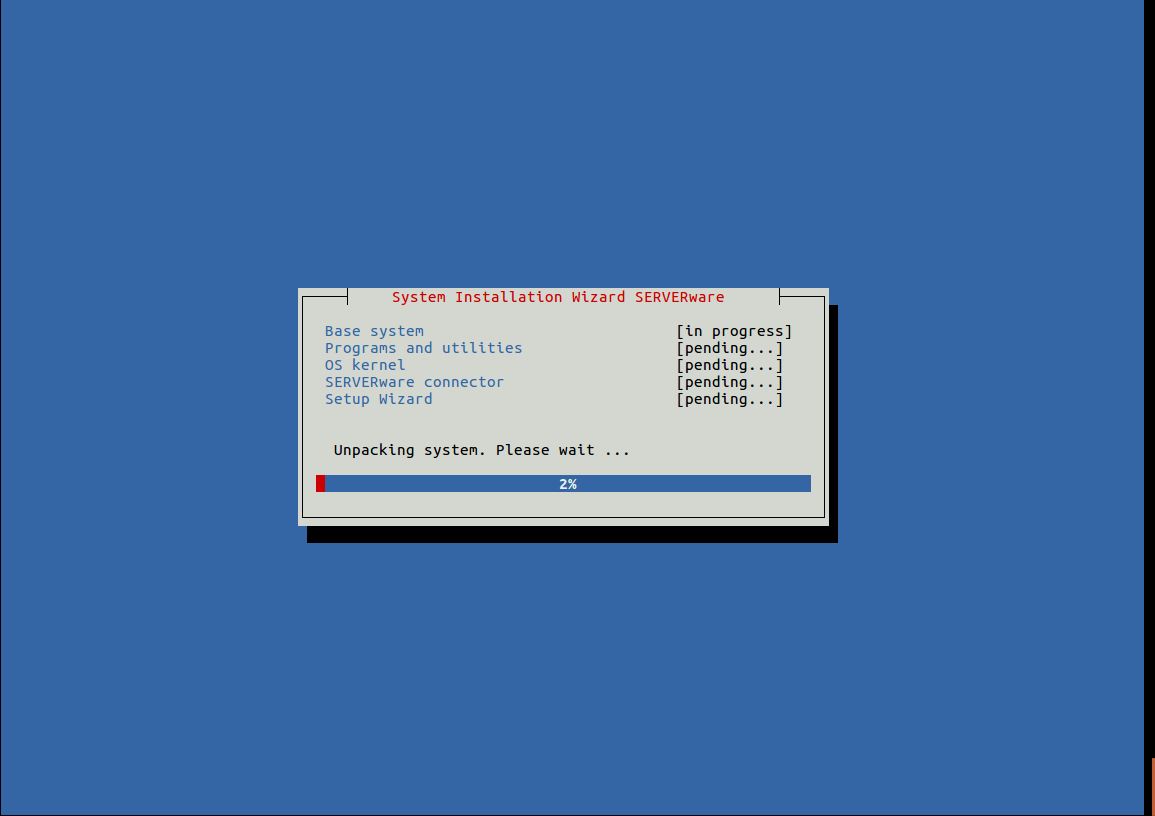
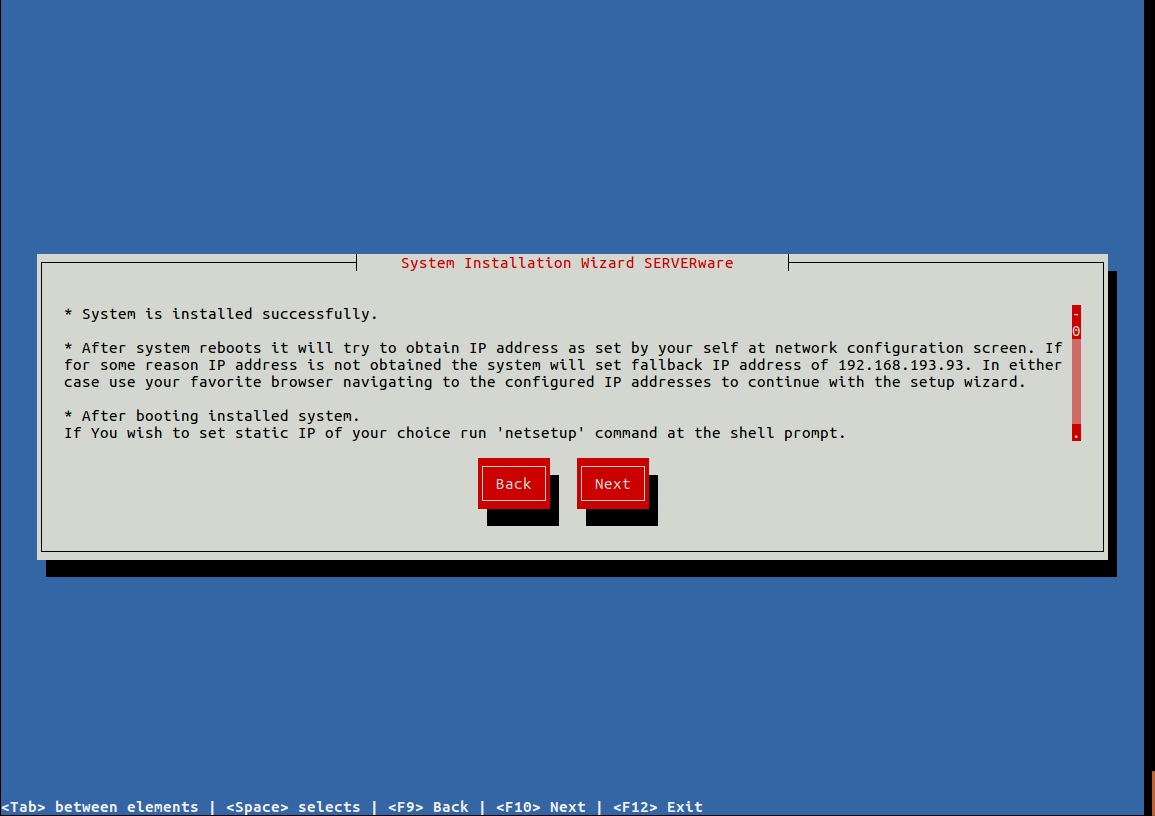
- Press Next to complete the installation. Once the system reboots, the restored system should be fully functional.
-
After reinstalling the system disk, a new system pool may appear, while the old one could still be visible in the GUI. Remove or clean up any unused pools as necessary.
-
Use SSH to log into the controller and access MySQL with the appropriate commands to verify system settings and confirm that everything is functioning correctly.
-
Run the following command to list all storage pools available in the GUI:
select * from sw_storage_pools;
#  select * from sw_storage_pools;
+----+--------+---------+-------------+--------------+-------+-------+-----------+--------+-------------------+--------+----------+--------------+-------------+--------------+---------------+
| id | net_id | host_id | name        | storage_type | size  | used  | available | health | status            | usedds | usedsnap | write_errors | read_errors | cksum_errors | fragmentation |
+----+--------+---------+-------------+--------------+-------+-------+-----------+--------+-------------------+--------+----------+--------------+-------------+--------------+---------------+
|  1 |      1 |       1 | NETSTOR     | NETWORK      | 333.0 | 5.72  | 316.87    | ONLINE      | NON_NATIVE_ASHIFT |   4.69 |     1.02 |            0 |           0 |            0 |             0 |
|  2 |      1 |       1 | SYSTEM-3b29 |              | 58.5  | 19.05 | 37.62     | ONLINE      | FEAT_DISABLED     |  14.61 |     0.00 |            0 |           0 |            0 |             1 |
|  3 |      1 |       1 | SYSTEM-bf87 |              | 58.5  | 19.04 | 37.64     | CHKFAILED   | FEAT_DISABLED     |  13.83 |     0.00 |            0 |           0 |            0 |             1 |
+----+--------+---------+-------------+--------------+-------+-------+-----------+--------+-------------------+--------+----------+--------------+-------------+--------------+---------------+
3 rows in set (0.00 sec)
-
Identify the old pool that needs to be removed, usually marked with a “CHKFAILED” status. (column "health")
-
Remove the old pool by executing a command like:
delete from sw_storage_pools where id=3;
Replace id=3 with the ID of the pool you want to delete.